Apple CarPlay: Understanding the In-Car System and Features
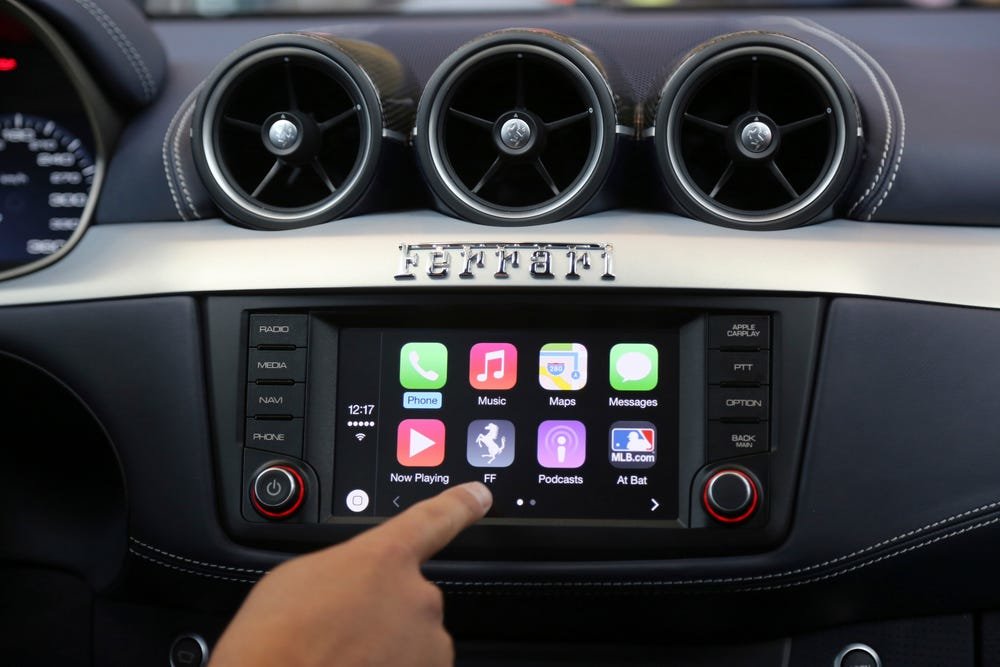
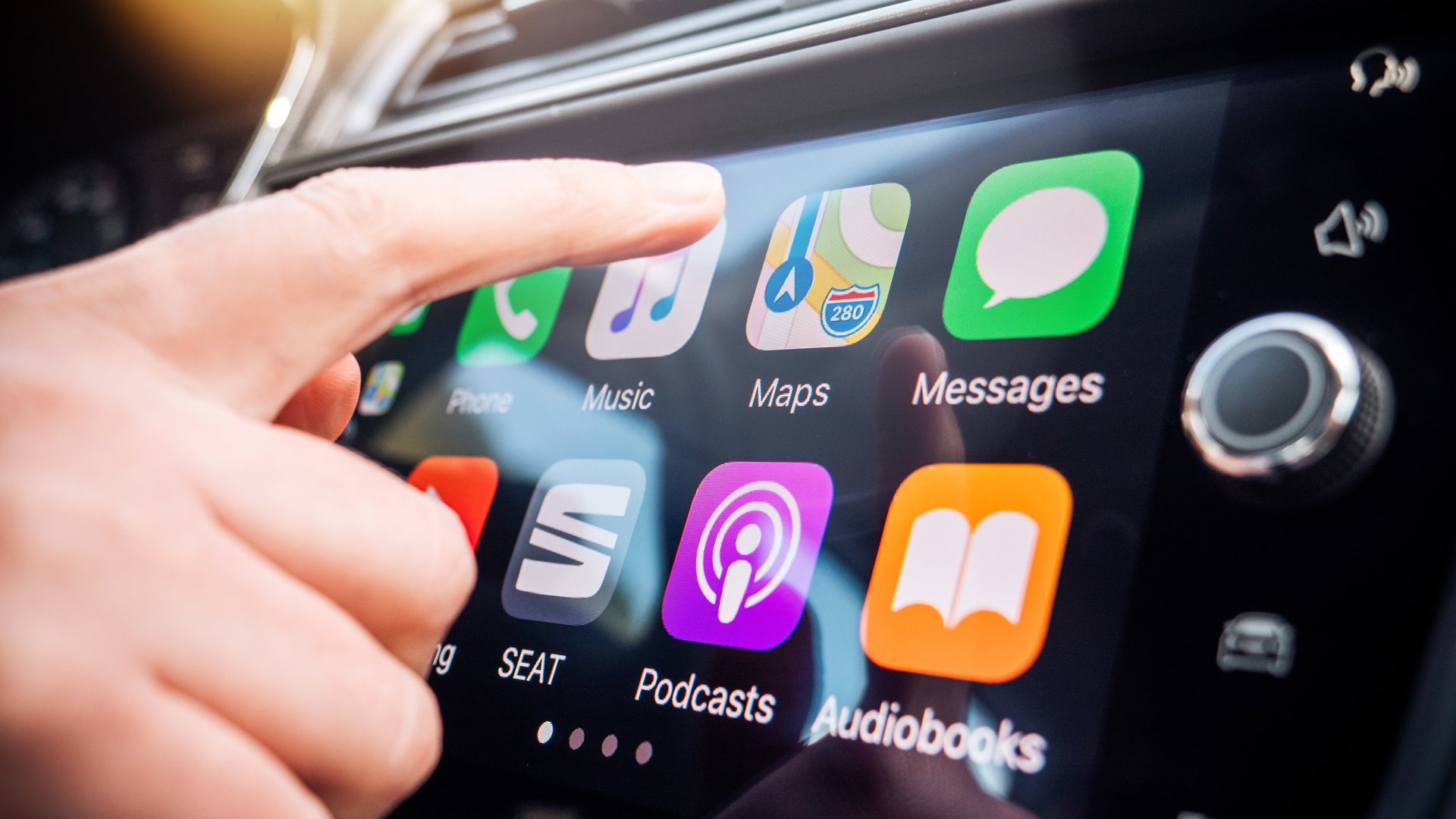
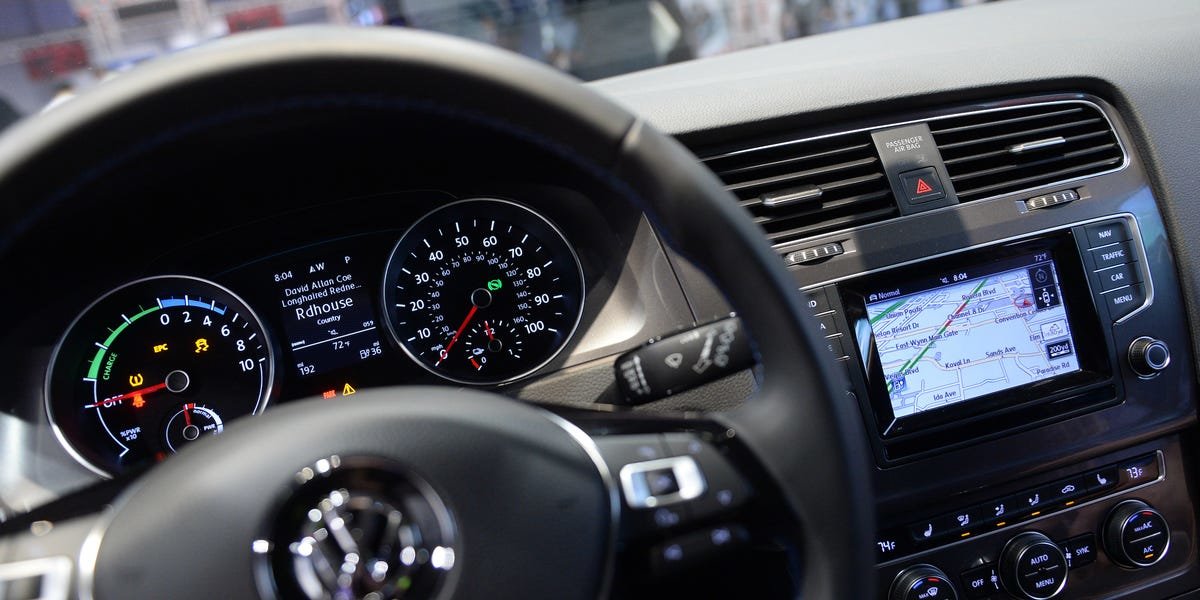
Apple CarPlay does more than stream your music on the road. It's an advanced iPhone mirroring feature allowing voice or touch infotainment system commands to manage texts, maps, calls, and more.
Launched in Spring 2014 by Apple and now available in over 800 car models, CarPlay seamlessly integrates iPhones into the driving experience.
Setting Up Apple CarPlay
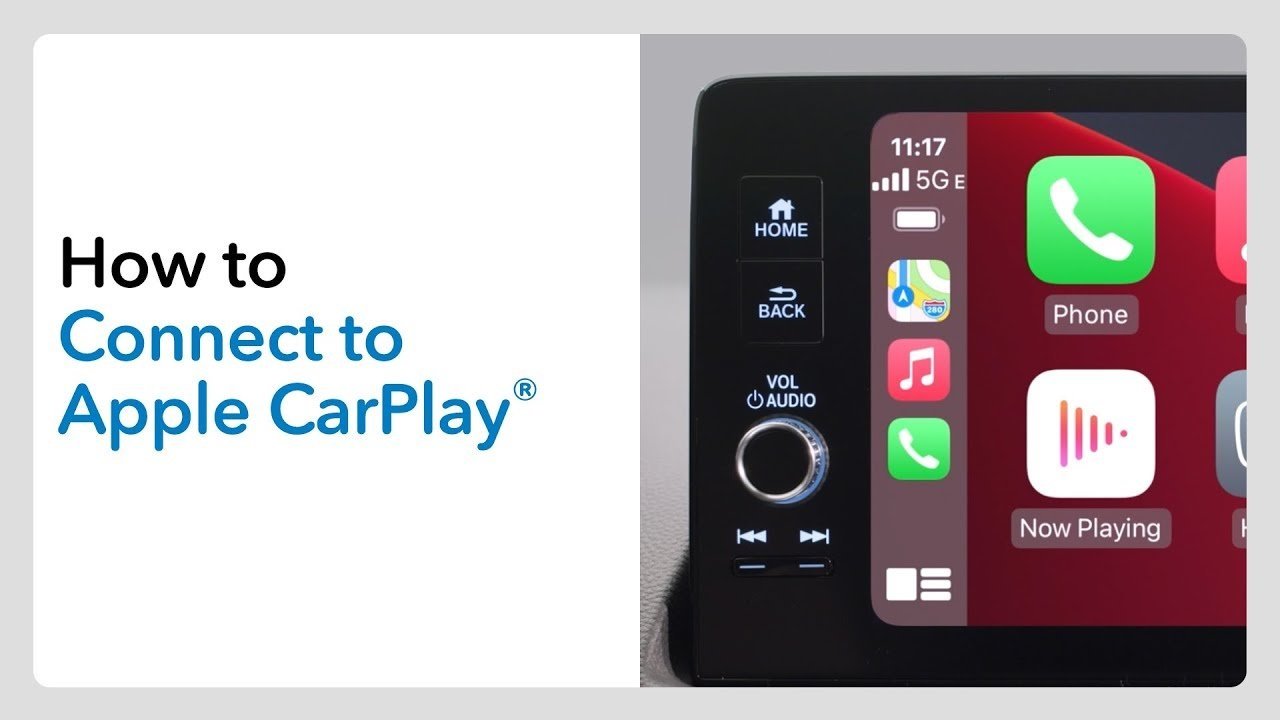
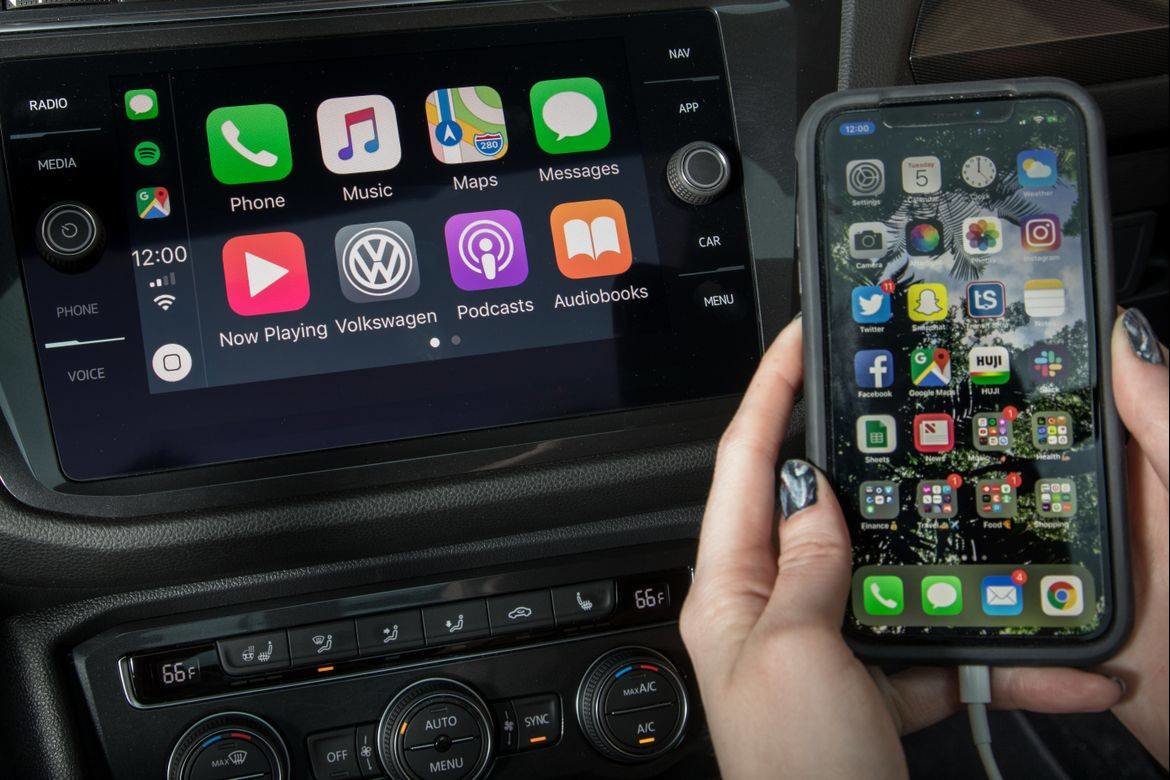
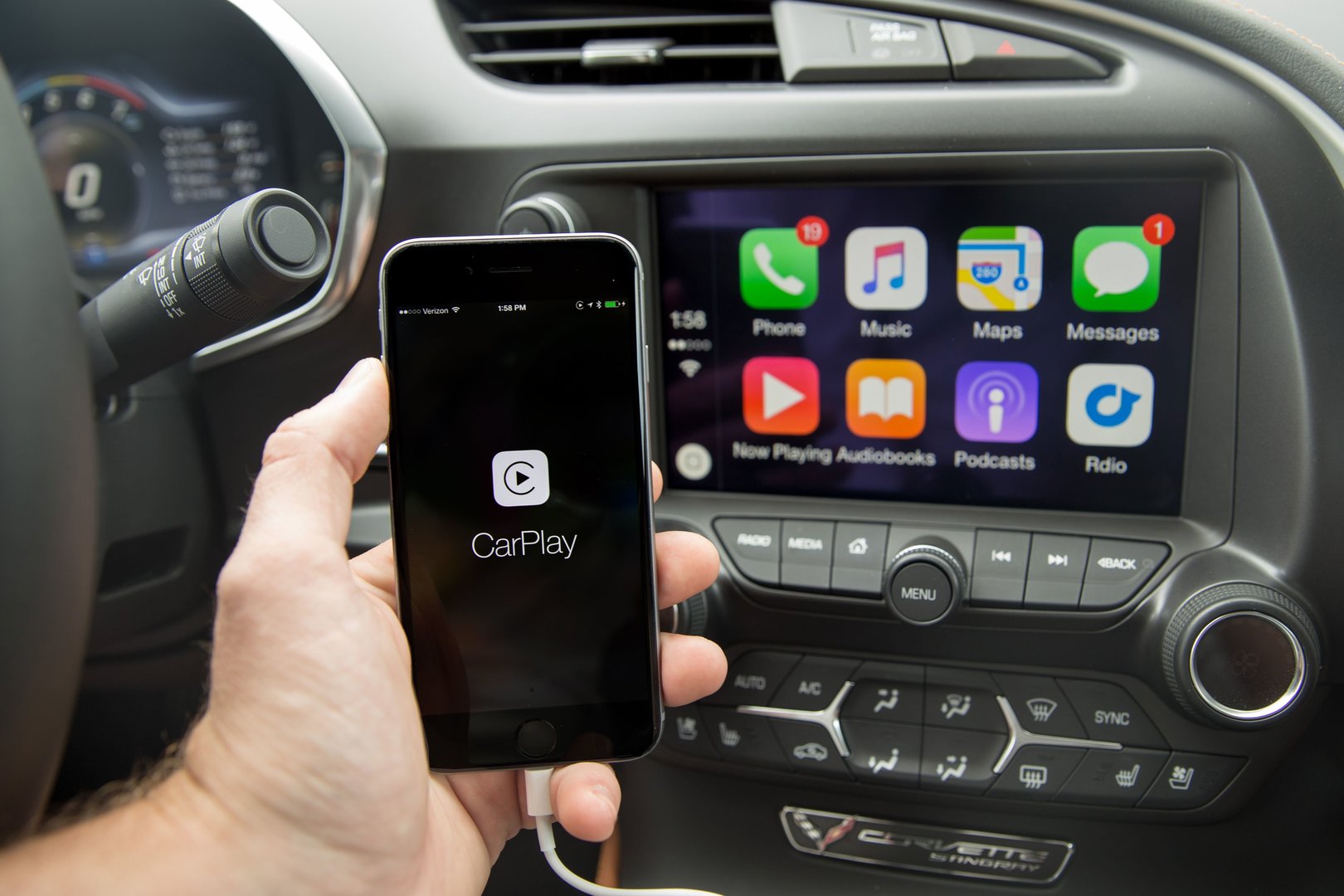
To connect, start your car and enable Siri on your iPhone. With a USB-to-Lightning or USB-C cable, plug in your phone, and CarPlay should auto-connect. First-time wired connections in some cars prompt wireless connectivity for subsequent use.
For wireless-only vehicles, turn on your car and activate Siri. Switch your infotainment system to Bluetooth, press the voice command button, choose the CarPlay network in your iPhone's WiFi settings, go to 'General' > 'CarPlay' and select your car for a lasting connection.
Wireless CarPlay
Certain cars support entirely wireless CarPlay. Once set up, your iPhone automatically reconnects whenever you start the vehicle, freeing you from dealing with cables.
Compatible Apps with Apple CarPlay
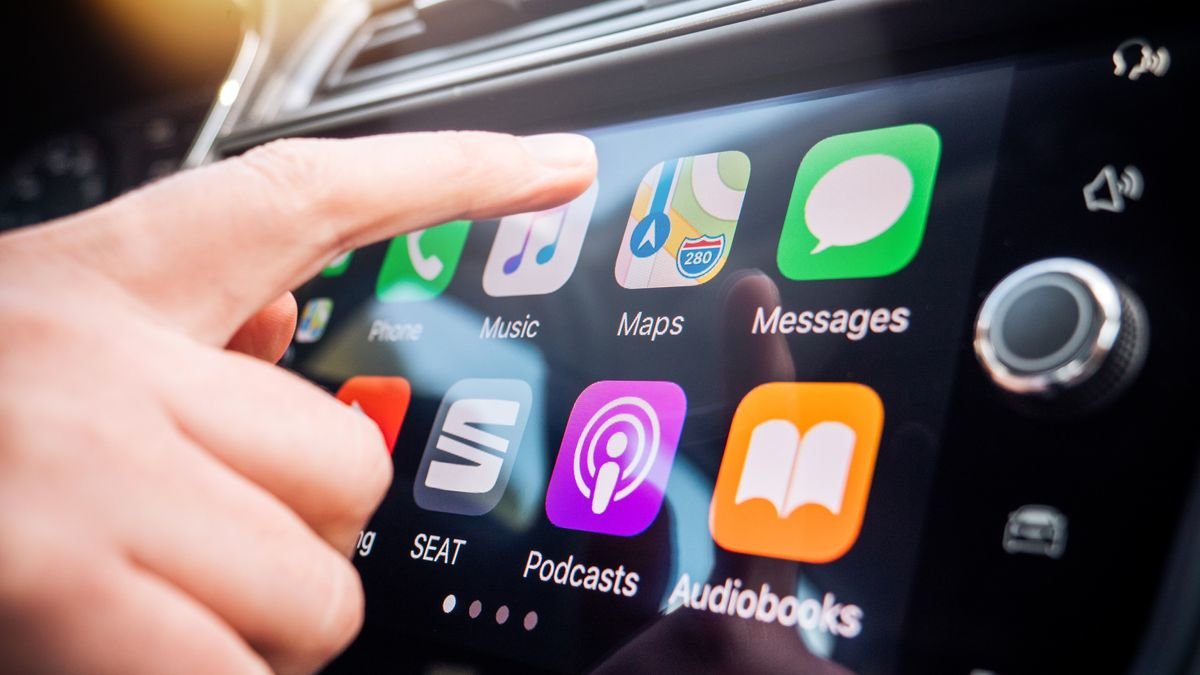
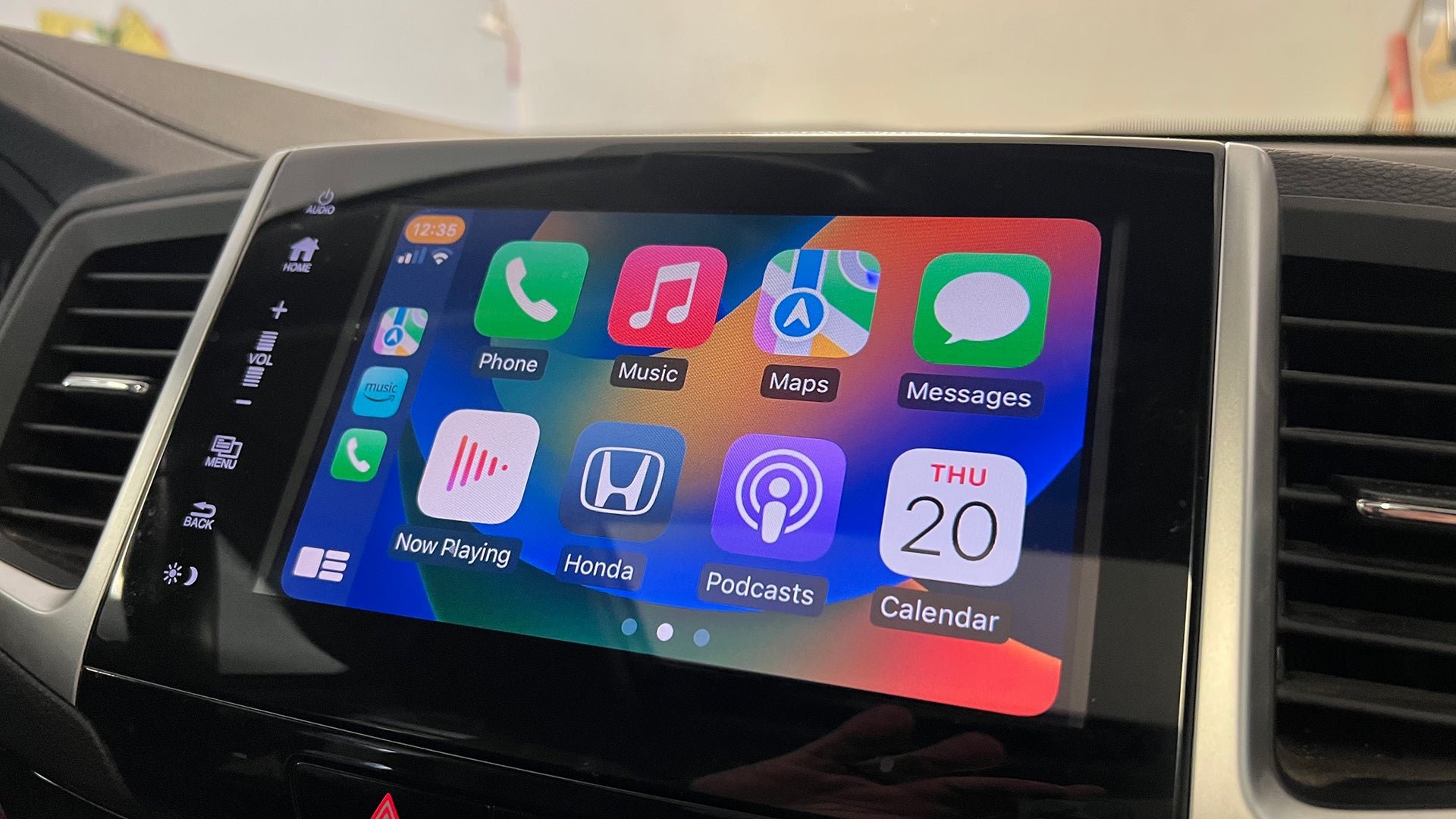
CarPlay supports music through apps like Apple Music and Pandora, and allows audiobook and podcast playback. Navigate effortlessly with Apple Maps, Google Maps, Waze and more via your car's speakers.
Stay connected hands-free with messaging apps such as iMessage and WhatsApp, and take charge of your Calendar, email, and other essentials with voice commands or your car's controls.
Cost of Apple CarPlay
Enjoy CarPlay for free; it's standard in many new cars without ongoing charges. It can also be installed in older models for an added cost.
Limitations of Apple CarPlay
While CarPlay is a choice and not mandatory, it might not support some apps, possibly restricting certain activities. Depending on its use, it could distract you from driving.
However, sticking to voice commands keeps your focus on the road. CarPlay also lacks in-depth customization, requiring users to operate it as presented on the car's interface.
Setting Up Apple CarPlay
To connect, start your car and enable Siri on your iPhone. With a USB-to-Lightning or USB-C cable, plug in your phone, and CarPlay should auto-connect. First-time wired connections in some cars prompt wireless connectivity for subsequent use.
For wireless-only vehicles, turn on your car and activate Siri. Switch your infotainment system to Bluetooth, press the voice command button, choose the CarPlay network in your iPhone's WiFi settings, go to 'General' > 'CarPlay' and select your car for a lasting connection.
Wireless CarPlay
Certain cars support entirely wireless CarPlay. Once set up, your iPhone automatically reconnects whenever you start the vehicle, freeing you from dealing with cables.
Compatible Apps with Apple CarPlay
CarPlay supports music through apps like Apple Music and Pandora, and allows audiobook and podcast playback. Navigate effortlessly with Apple Maps, Google Maps, Waze and more via your car's speakers.
Stay connected hands-free with messaging apps such as iMessage and WhatsApp, and take charge of your Calendar, email, and other essentials with voice commands or your car's controls.
Cost of Apple CarPlay
Enjoy CarPlay for free; it's standard in many new cars without ongoing charges. It can also be installed in older models for an added cost.
Limitations of Apple CarPlay
While CarPlay is a choice and not mandatory, it might not support some apps, possibly restricting certain activities. Depending on its use, it could distract you from driving.
However, sticking to voice commands keeps your focus on the road. CarPlay also lacks in-depth customization, requiring users to operate it as presented on the car's interface.
Translation:
Translated by AI